
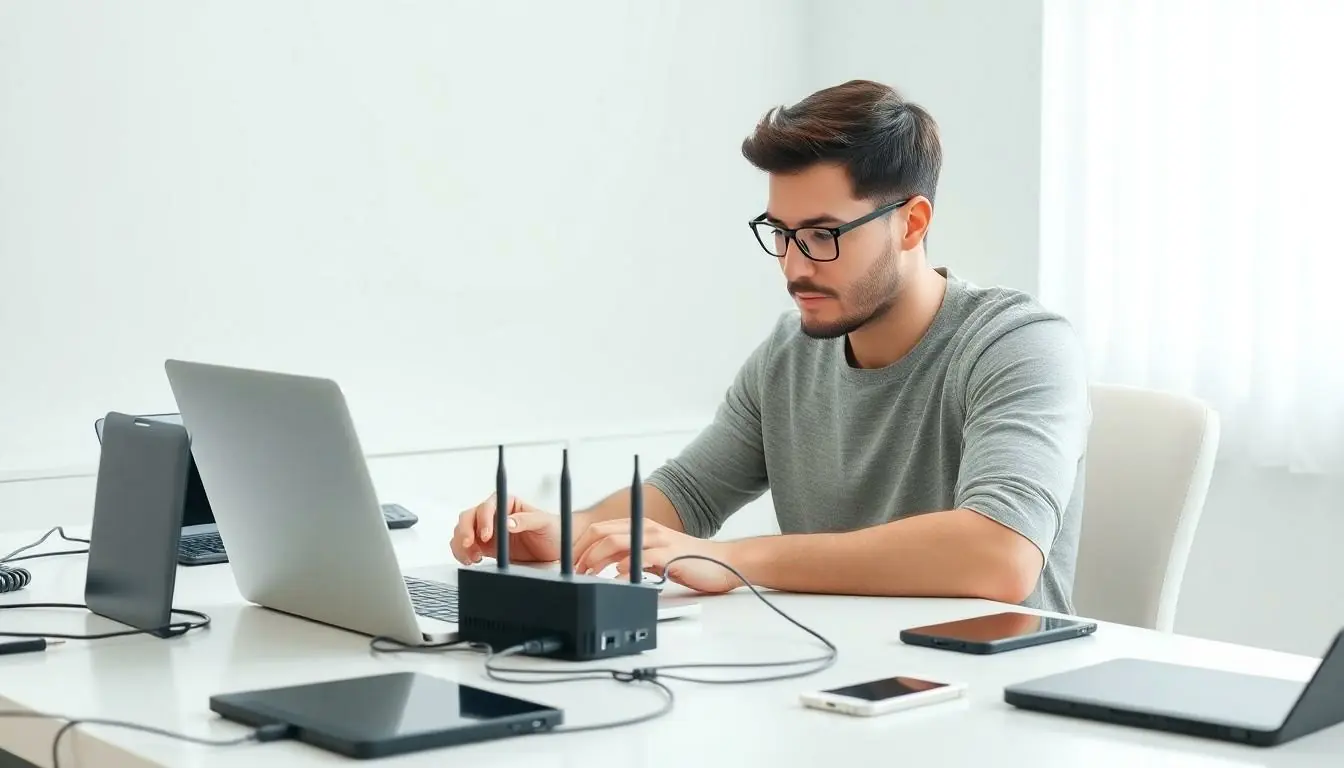
In today’s tech-savvy world, having a reliable home network is as essential as having a refrigerator. After all, who wants to risk buffering during the latest binge-worthy series? A well-set-up network not only keeps devices connected but also saves everyone from the dreaded “Can you hear me now?” moments during video calls.
Understanding Home Networking
Home networking allows devices to connect and communicate. It creates a system that supports internet access, file sharing, and device interaction within a residence.
What Is Home Networking?
Home networking refers to the practice of connecting multiple devices within a home. This setup lets computers, smartphones, smart TVs, and gaming consoles access the internet simultaneously. Routers serve as central hubs, distributing the internet connection to wired and wireless devices. Understanding the components of home networking is essential for efficient setup and management.
Importance of a Home Networking Guide
A home networking guide offers essential insights for optimizing network performance. Users benefit from clear instructions on selecting equipment, configuring settings, and troubleshooting common issues. Reliable guides help prevent disruptions such as buffering and connectivity drops. By following a structured approach, homeowners can enhance internet speeds and connectivity across devices.
Types of Home Networks

Understanding the types of home networks is essential for selecting the right setup for specific needs. Two primary categories exist: wired networks and wireless networks.
Wired Networks
Wired networks provide stable connections using Ethernet cables. These setups typically involve routers, switches, and cabling infrastructure, ensuring fast and reliable communication. Many devices connect directly to the router through these cables, minimizing latency and interference. Data transfer speeds often reach up to 1 Gbps, allowing seamless streaming and gaming experiences. Installing a wired network often requires more effort due to the need for cables running throughout the home. However, the benefits of reduced lag and strong connections outweigh the installation challenge for many users.
Wireless Networks
Wireless networks utilize Wi-Fi technology to connect devices without physical cables. Routers broadcast signals, allowing devices to connect from various locations within a home. Speeds can vary based on distance from the router and environmental factors, typically ranging from 25 Mbps to over 1 Gbps with modern standards like Wi-Fi 6. Ease of installation represents a significant advantage, as users avoid tangled cables and can easily relocate devices. Wireless connectivity also facilitates multiple device connections simultaneously, making it a versatile choice for households with numerous smart devices.
Setting Up Your Home Network
Setting up a home network requires careful planning and appropriate equipment selection. A well-planned network layout ensures optimal coverage and performance.
Planning Your Network Layout
First, assess the size and layout of your home. Identify where devices will connect to the network. Position the router in a central location to maximize signal distribution. Consider using a mapping tool or app to visualize coverage areas. Next, determine where wired connections are necessary. Position Ethernet cables from the router to devices like gaming consoles or streaming devices. This setup improves speed and reduces latency, essential for gaming and streaming. Aim for a balance between wired and wireless devices to ensure optimal performance throughout your home.
Choosing the Right Equipment
Selecting the right equipment plays a crucial role in network performance. Start with a reliable router that supports the latest standards like Wi-Fi 6. This technology provides higher speeds and better handling of multiple devices simultaneously. Next, consider additional access points or extenders for larger homes. These devices enhance coverage in areas with weak signals. Don’t overlook quality Ethernet cables for wired connections. Look for CAT6 or CAT7 cables to achieve maximum speeds. Evaluate your internet service provider’s capabilities to match your equipment to their offerings. Prioritizing high-quality devices yields noticeable improvements in streaming, gaming, and overall connectivity.
Securing Your Home Network
Securing a home network is essential for preventing unauthorized access and protecting personal information. Various common security risks pose significant threats to networks.
Common Security Risks
Unsecured Wi-Fi networks expose personal data to potential intruders. Cybercriminals often exploit weak passwords, allowing unauthorized users to access devices and sensitive information. Malware poses another threat, infiltrating networks through infected devices or links. Phishing attacks target unsuspecting users, tricking them into revealing login credentials or sensitive information. Finally, outdated firmware on routers creates vulnerabilities, making systems easier for hackers to compromise.
Security Best Practices
Implementing strong passwords is crucial for network security. Use a combination of uppercase letters, lowercase letters, numbers, and special characters. Regularly updating router firmware helps protect against known vulnerabilities. Activating WPA3 encryption secures wireless communications, making it more difficult for unauthorized users to gain access. Additionally, enabling a guest network allows visitors to connect without compromising the main network’s security. Monitoring connected devices helps identify any unauthorized access and taking swift action if an issue arises is essential for maintaining a secure home network.
Troubleshooting Your Home Network
Network issues can disrupt daily activities like streaming, gaming, and video calls. Identifying the root cause is essential for restoring connectivity.
Identifying Common Issues
Connectivity problems often stem from various common issues. Devices may disconnect from Wi-Fi due to signal interference or weak router placement. Slow internet speeds can arise from too many devices using the same bandwidth. Outdated firmware can make devices vulnerable and lead to connection drops. Additionally, problems may occur due to incorrect network configurations, such as IP address conflicts. Regularly monitoring network performance helps pinpoint these issues quickly.
Steps to Resolve Problems
Resolving network issues requires a systematic approach. Restarting the router clears minor glitches and re-establishes connections. Checking device connections ensures each device has proper access. Users can update firmware to enhance performance and fix vulnerabilities. Adjusting router placement to a more central location often improves signal strength. Switching to a wired connection for stationary devices can eliminate wireless disruptions. Lastly, reviewing network settings for conflicts resolves connectivity challenges.
A robust home network is essential for navigating today’s digital landscape. By understanding the intricacies of both wired and wireless connections homeowners can create a seamless online experience. Prioritizing high-quality equipment and strategic placement of devices significantly enhances performance.
Security remains a critical component in maintaining a safe network environment. Implementing best practices for protection ensures personal information stays secure while enjoying the benefits of modern connectivity.
Regular monitoring and troubleshooting can help address potential issues before they escalate. With the right approach and knowledge homeowners can enjoy reliable internet access that supports all their smart devices and online activities.