

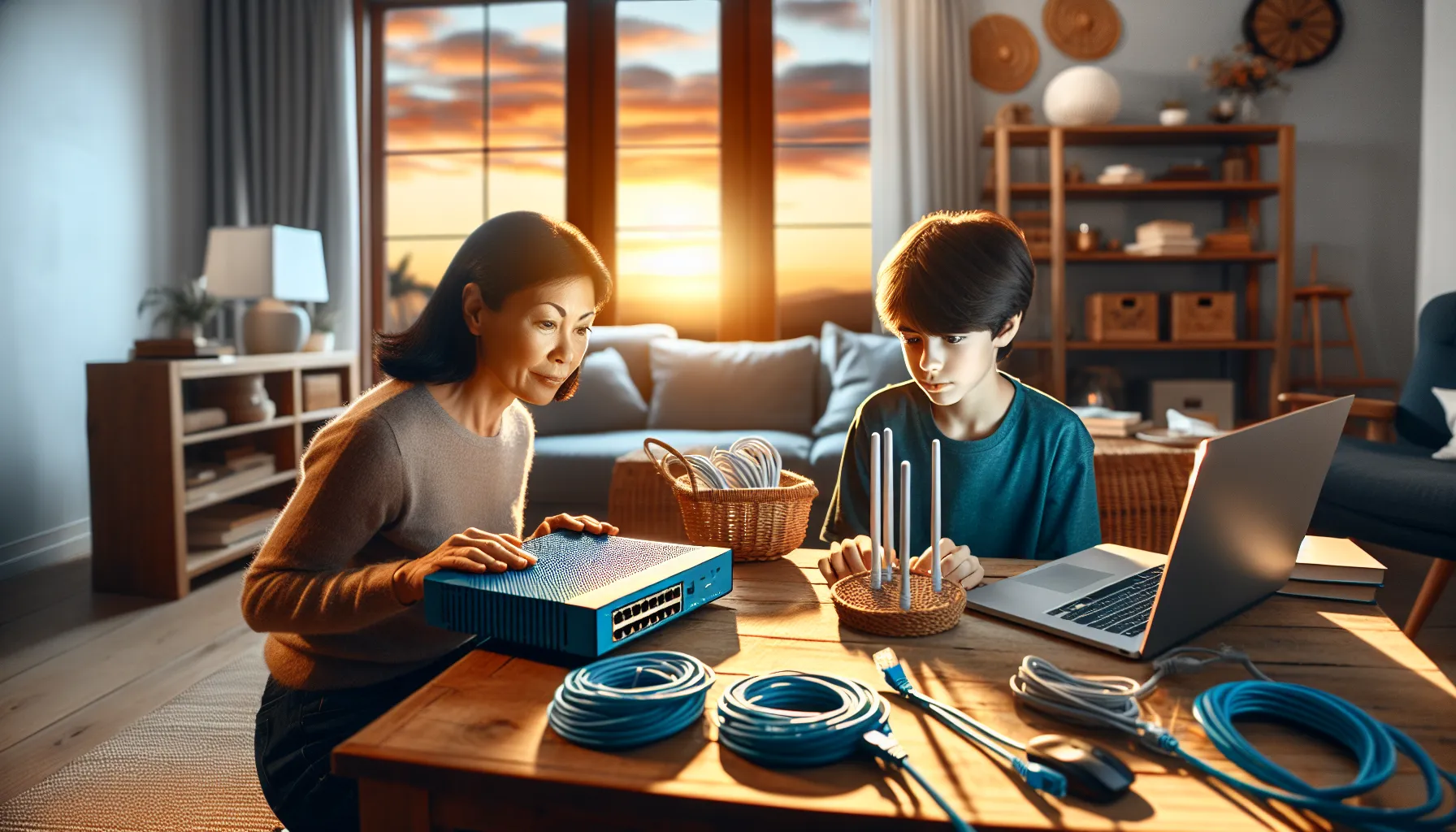
In today’s digital age, a reliable home network isn’t just a luxury; it’s a necessity. Whether streaming the latest binge-worthy series or video chatting with family, a solid connection keeps life running smoothly. But let’s face it, setting up a home network can feel like trying to solve a Rubik’s Cube blindfolded.
Overview of Home Networking Installation
Home networking installation establishes a reliable connection between devices, enhancing streaming and communication experiences. This process involves several steps, including selecting the right equipment and planning the network layout.
Understanding the different types of networks plays a crucial role in installation decisions. Wired networks offer stability and speed, while wireless networks provide convenience and flexibility. Choosing between these options can depend on the home’s size, layout, and specific user needs.
Assessing adequate requirements ensures optimal performance. High-definition streaming, online gaming, and video conferencing require significant bandwidth. Investing in a high-quality router or access point can significantly improve network performance.
Implementation steps must be clear. First, place the router in a centralized location to maximize coverage. Second, connect devices using wired connections where possible for the best speeds. Third, secure the network with strong passwords to prevent unauthorized access.
Troubleshooting installation issues may arise. Signal strength issues might occur in larger homes, and using range extenders or mesh systems can help. Regular firmware updates also enhance performance and security.
Documenting the setup process aids future maintenance. Recording device settings and network layout simplifies addressing issues later. Following these guidelines creates a functional and reliable home networking environment, addressing the complexities many face during installation.
Types of Home Networks
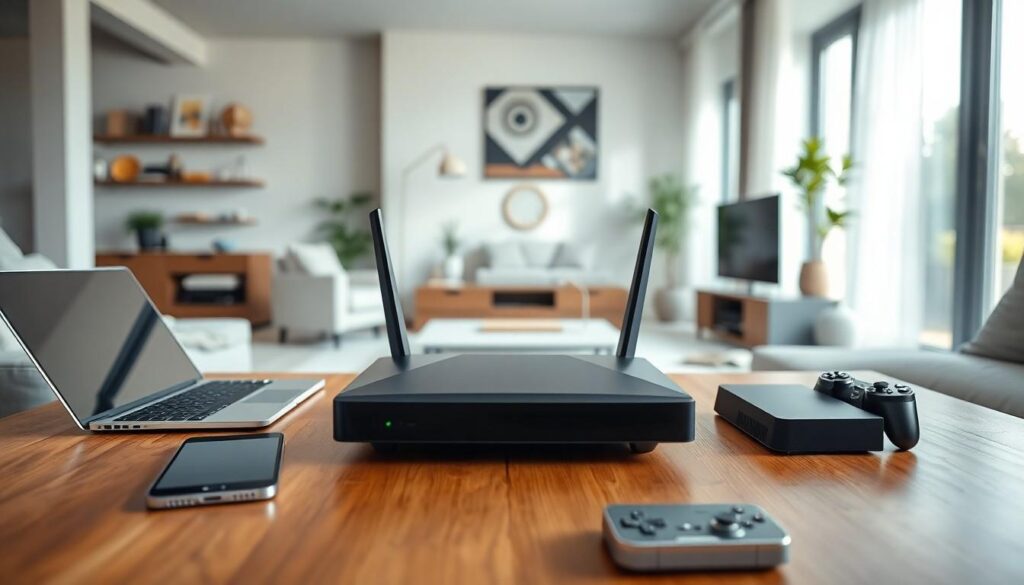
Understanding different types of home networks is essential for selecting the most suitable one for specific needs. Two primary network types exist: wired networks and wireless networks.
Wired Networks
Wired networks connect devices through physical cables. Ethernet is the most common type of cable used, providing stable and high-speed connections. Stability ensures minimal interruptions during online gaming or 4K streaming. Installation typically requires running cables through walls or ceilings, making it less convenient than wireless setups. However, wired networks support higher bandwidth demands, making them ideal for larger households with heavy internet usage. Many users benefit from reliability, especially when multiple devices need consistent internet access.
Wireless Networks
Wireless networks use radio waves to connect devices without needing physical cables. Routers broadcast signals, allowing for convenient placement of devices throughout the home. Flexibility is a significant advantage, as users can access the internet from various locations without being tethered. Networks often support various wireless standards such as Wi-Fi 5 and Wi-Fi 6, impacting speed and performance. Security measures, including strong password protocols and regular firmware updates, remain crucial for wireless setups. Many households prefer wireless networks due to their ease of installation and adaptability to different living spaces.
Planning Your Home Networking Installation
Planning enhances the effectiveness of a home network installation. Understanding individual needs and selecting appropriate equipment are essential steps.
Assessing Your Needs
Identify the number of devices used in the home. Consider specific activities like streaming, gaming, or remote work that require significant bandwidth. Analyze peak usage times when the network is under the most strain. Recognize that households with multiple users will demand more from their network. Evaluating these factors ensures the network meets all requirements, providing a smooth experience for everyone.
Choosing the Right Equipment
Select a router that supports the required bandwidth and number of devices. Look for dual-band or tri-band routers that optimally manage network traffic. Ensure compatibility with existing devices to prevent connectivity issues. Prioritize routers with advanced security features to protect personal data. Invest in quality Ethernet cables for wired connections, which enhance stability and speed. Evaluating equipment based on these criteria guarantees reliable and efficient network performance.
Steps for Home Networking Installation
Setting up a home network involves several key steps to ensure a smooth and effective installation process. These foundational actions lead to enhanced connectivity and performance in home environments.
Setting Up a Router
Position the router in a central location for optimal signal distribution. Ensure it’s placed off the floor for improved range and less interference. Connect the router to the internet via the modem using an Ethernet cable. Next, power on the router and wait for it to initialize. During this process, check that the indicator lights confirm a proper connection. Finally, create a strong network name (SSID) and password to enhance security.
Configuring Network Settings
Access the router’s settings through a browser by entering the router’s IP address. Use the login credentials specific to the device to enter the setup interface. Adjust the network mode to either 2.4 GHz or 5 GHz based on device compatibility and distance requirements. Enable security protocols like WPA3 for improved safety. Set up a guest network if desired to keep primary devices secure. Save changes and reboot the router to implement adjustments effectively.
Troubleshooting Common Issues
Common issues in home networking can disrupt activities like streaming and gaming. Understanding how to resolve them helps maintain a smooth online experience.
Connectivity Problems
Connectivity problems often arise due to several factors. Distance from the router significantly affects signal strength, causing devices to lose connection. Interference from other electronic devices, such as microwaves or cordless phones, can also disrupt the network. When multiple users access the same network, congestion may lead to dropped connections. Checking device compatibility with the network standards ensures a seamless experience. Restarting the router often resolves temporary glitches, while relocating the router closer to devices helps address distance-related issues. Using Wi-Fi extenders can enhance coverage in larger homes.
Speed Issues
Speed issues frequently stem from inadequate bandwidth allocation. High-definition streaming and online gaming consume substantial resources, which can slow down connections. Network congestion during peak usage times impacts overall speed. Upgrading to a dual-band or tri-band router enhances traffic management. Limiting the number of connected devices also helps maintain optimal speeds. Regularly testing network speed using online tools identifies fluctuations in performance. Running firmware updates ensures routers function properly, while resetting the router may resolve persistent slowdowns. Prioritizing devices or activities within the router settings can enrich the user experience during peak times.
Best Practices for Security
Securing a home network is crucial for protecting personal information and devices. Utilize strong passwords that combine letters, numbers, and special characters. Avoid using easily guessable information, such as names or birthdates for passwords.
Update firmware regularly to patch vulnerabilities. Most routers have a simple interface for checking and installing updates. Engage WPA3 security protocols if the router supports it, offering enhanced encryption over previous standards.
Setting up a guest network limits access for visitors. This isolation helps protect the primary network from potential breaches. Consider disabling the SSID broadcast to prevent unauthorized users from easily finding the network.
Implement network monitoring tools to track connected devices. Identify and remove any unknown devices that might infiltrate the network. Enabling MAC address filtering can enhance security by allowing only specified addresses to connect.
Physical security of networking equipment is equally important. Place routers in secure areas away from the public to prevent tampering. Using firewalls further strengthens defenses against external threats by monitoring incoming and outgoing traffic.
Educate all household members about safe online practices. Awareness helps mitigate risks associated with phishing schemes and downloading malicious software. Regularly review devices for updates and security settings to maintain optimal protection levels.
A well-planned home networking installation is crucial for seamless digital experiences. By assessing individual needs and selecting the right equipment, users can ensure their network supports various activities like streaming and gaming. Proper installation steps and security measures enhance both performance and safety.
Regular monitoring and troubleshooting play a vital role in maintaining a reliable network. With the right approach, anyone can create a robust home networking environment that meets their demands. Investing time and resources into this process pays off with improved connectivity and peace of mind.

